NEXSHOWS · LED DISPLAY SYSTEMS

LED systems built around the real project.

NexShows helps international project teams move from site conditions to an LED display system, with product information, application context and a direct project brief in one place.

11 supplied product seriesApplication-led selectionChina-based LED display manufacturer

START WITH THE APPLICATION

Find the product conversation that matches the job.

Use the site environment to narrow the starting point. The final series and configuration stay tied to the actual project brief.

FEATURED PRODUCT SYSTEMS

Product systems, presented for a real comparison.

Every product page keeps the key project facts together: intended application, cabinet format, pitch coverage, service approach and supplied configuration data.

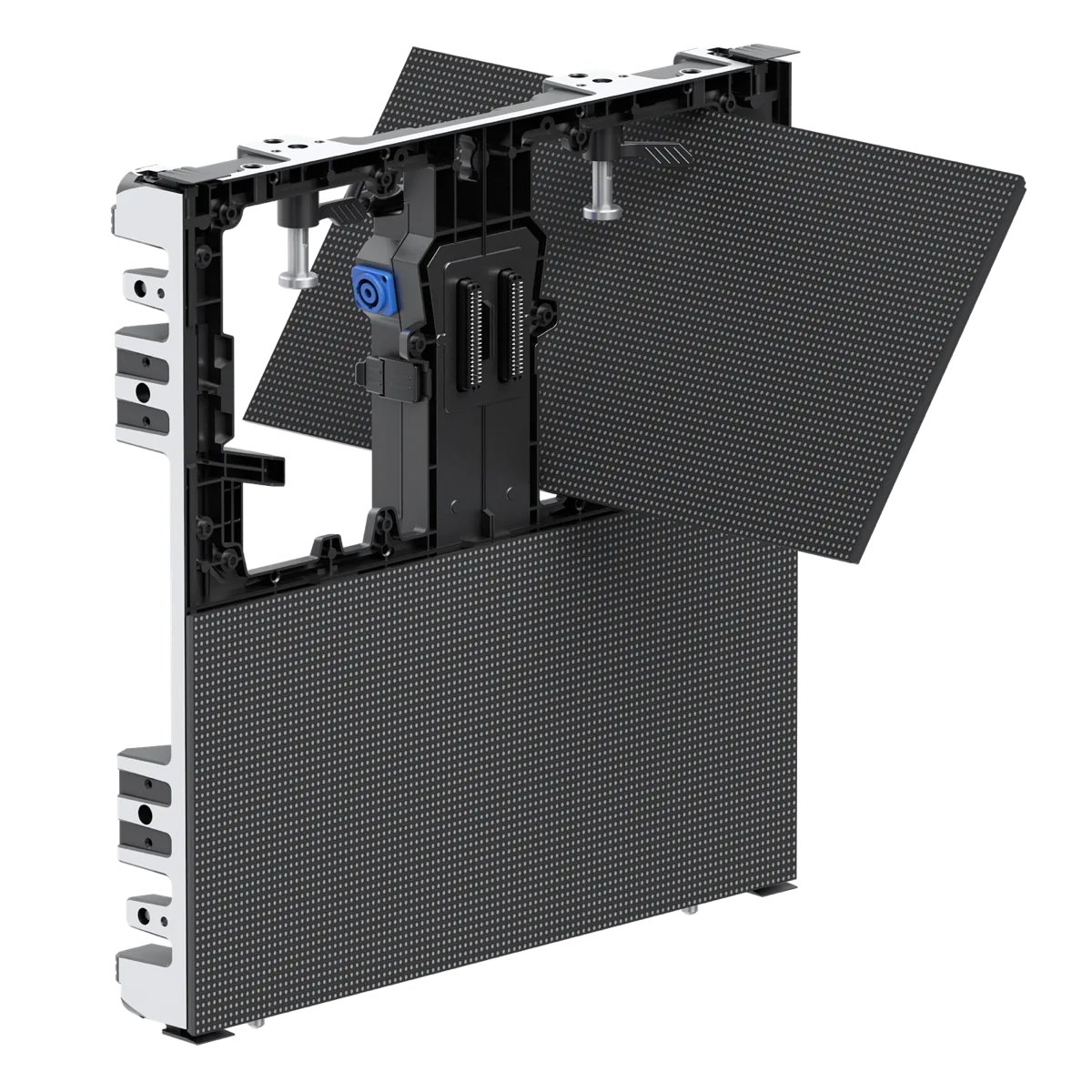
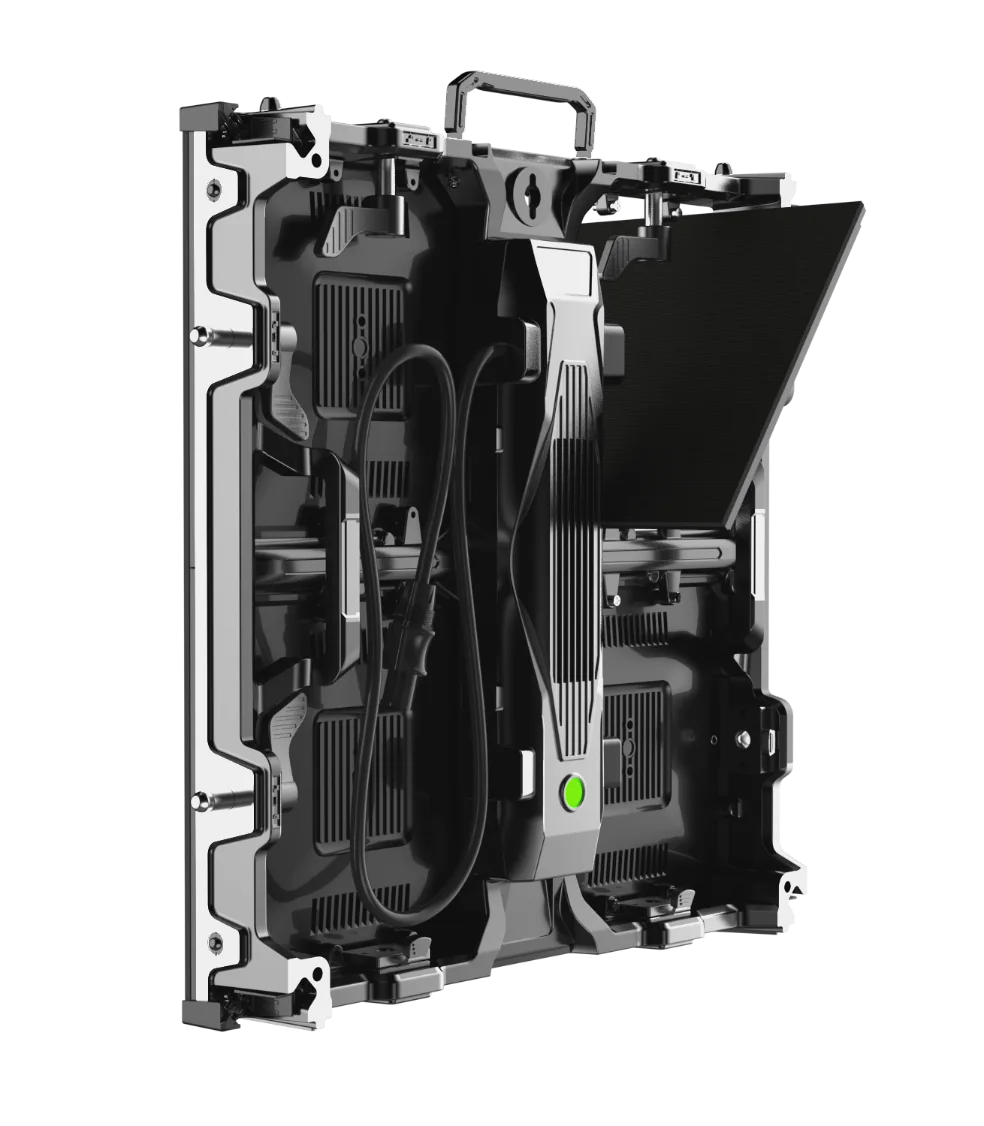
M Series LED cabinet with a front-service module opened
01 / M Series

RENTAL & CREATIVE LED DISPLAY

M Series

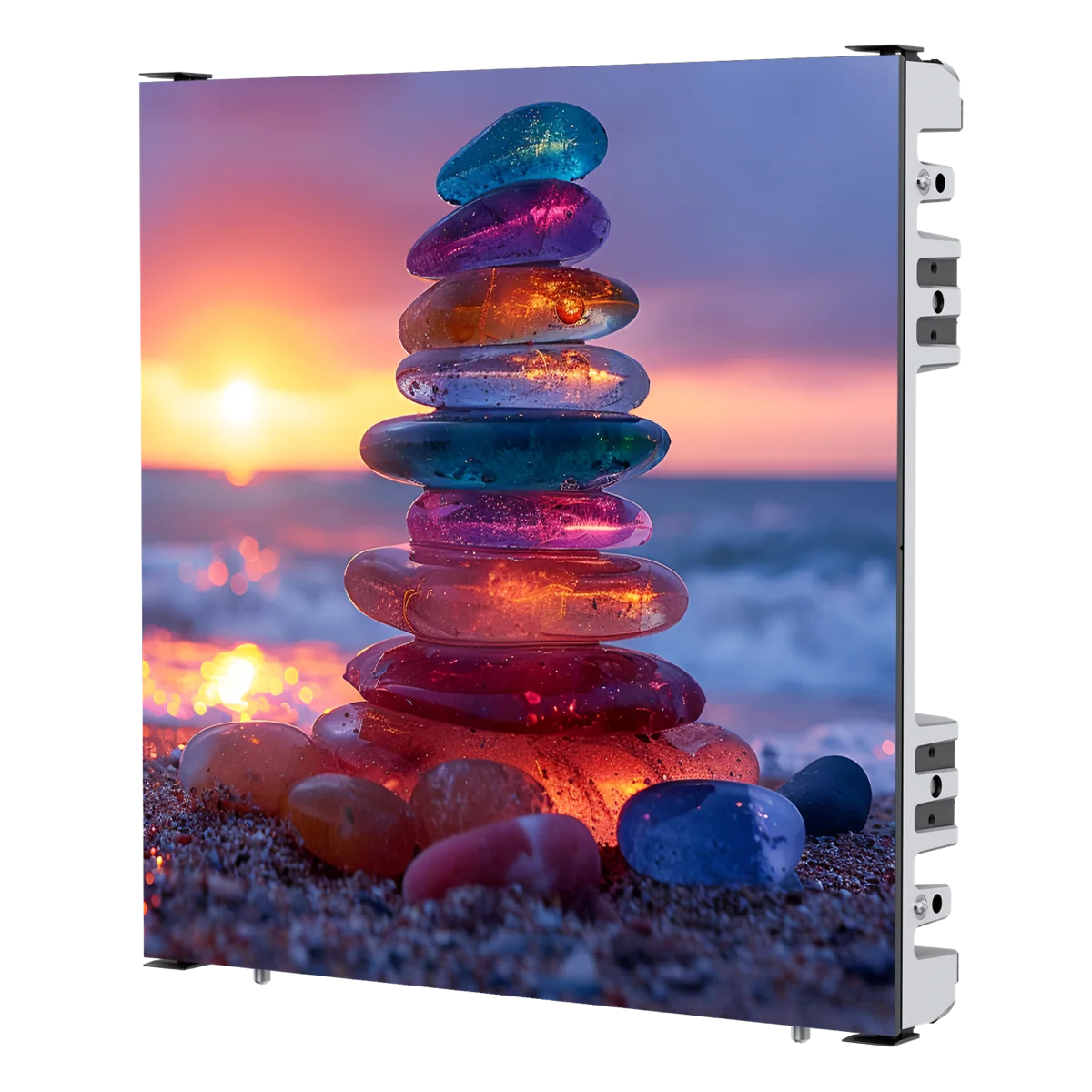
M Series is a rental and creative LED cabinet system for projects that need a choice of 500 × 500 mm or 500 × 1000 mm cabinets, plus flat, curved, 90-degree and cube-style screen configurations.

Cabinet sizes
500 × 500 × 72 mm and 500 × 1000 × 72 mm
Cabinet weight
7–13.5 kg per cabinet, depending on configuration
Pixel pitch options
Indoor P1.95, P2.6, P2.9, P3.91; outdoor P3.91
View M Series
AD Series modular LED cabinet construction
02 / AD Series

LIGHTWEIGHT RENTAL & CREATIVE LED DISPLAY

AD Series

AD Series is a 69 mm rental and creative LED display system with 500 × 500 mm and 500 × 1000 mm cabinet formats, front and rear module service, and options for straight, curved, 90-degree and cube-style builds.

Cabinet sizes
500 × 500 mm and 500 × 1000 mm
Cabinet depth
69 mm
Cabinet weight
Approx. 6.8 kg (500 × 500); 11.8–12.5 kg (500 × 1000), depending on configuration
View AD Series
View all 11 NexShows product series

PROJECT SUPPORT

The sale should begin with a clearer technical conversation.

01

Brief review

Start with the country, name, phone, email, delivery date and pixel-pitch preference.

02

System direction

Use the application and physical build to discuss the product family, pitch, cabinet format and service access.

03

Information handover

Use the relevant supplied specifications and configuration information as the project discussion advances.

Explore the NexShows project-support path

APPLICATION PLANNING

Choose the system around where the screen will actually work.

These references help frame the system conversation. They are not presented as NexShows project-case claims; verified cases will be added as project evidence becomes available.

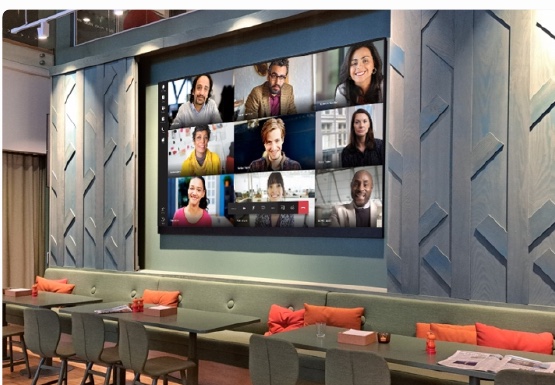
Indoor LED display used for video communication in a hospitality setting
INDOOR COMMUNICATION

Command & collaboration spaces

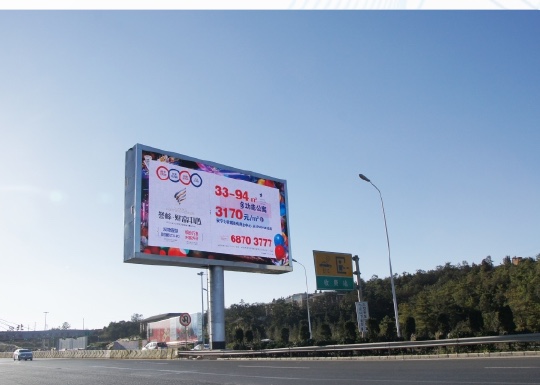
Outdoor roadside LED billboard in a highway setting
ROAD & HIGHWAY MEDIA

Roadside public media

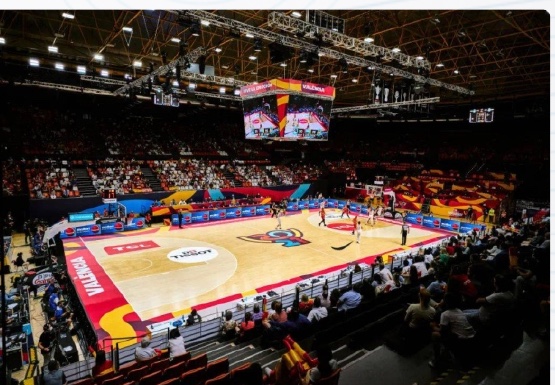
LED display in a sports arena during a basketball event
SPORTS & ARENA

Sports venue display

View all application references

PLANNING GUIDES

Useful answers that can keep earning trust after the first visit.

These are practical, evergreen explanations for the questions that appear before an LED product selection. They are also the foundation for NexShows’ long-term search content.

01 / PLANNING GUIDE

How to choose LED pixel pitch for a project

A practical starting framework for discussing pixel pitch with screen size, viewing distance and application in mind.

Read guide
02 / SYSTEM GUIDE

Indoor vs outdoor LED displays: the questions that change the system

The environment affects brightness, protection, service access, cabinet choices and the way an LED display is planned.

Read guide
03 / PROJECT CHECKLIST

What to include in an LED display project brief

The six details that help turn a first LED inquiry into a useful product and configuration conversation.

Read guide
View all planning guides

WHAT DEFINES THE SYSTEM

A better display decision starts before a model number.

Good LED projects are built from a clear understanding of where the screen will work, how it will be assembled and what people will see.

01

Start with the environment

Indoor or outdoor conditions, venue access and operating context shape the system choice.

02

Set the viewing strategy

Pixel pitch, screen size and audience distance should be considered together.

03

Plan the physical build

Cabinet format, curve, corner, stacking or hanging all affect the final screen plan.

04

Define the handover

Agree the project scope, target timing and information needed for the next technical step.

A CLEARER START

Bring the important details into the first conversation.

01

Share the contact brief

Country, name, phone, email, target delivery date and pixel-pitch preference give the conversation a practical starting point.

02

Review the system fit

Discuss the product family, cabinet format, pitch, service access and physical screen approach that fit the intended installation.

03

Confirm the supplied scope

Use the agreed configuration and project requirements to prepare the next technical discussion and final confirmation.

Read the project-support path

START A PROJECT INQUIRY

Tell NexShows what needs to work on site.

Share the country, name, phone, email, preferred pixel pitch and target delivery date. Send the completed inquiry by email or WhatsApp when ready.

Your details are used to prepare a pre-filled email or WhatsApp message to NexShows. This website does not store the form submission.